The short version
- Students have had Canva for Campus since October 2025.
- Eligible faculty and staff now get premium access in a University-managed environment.
- Brand kits, templates, and shared assets keep campus work consistent.
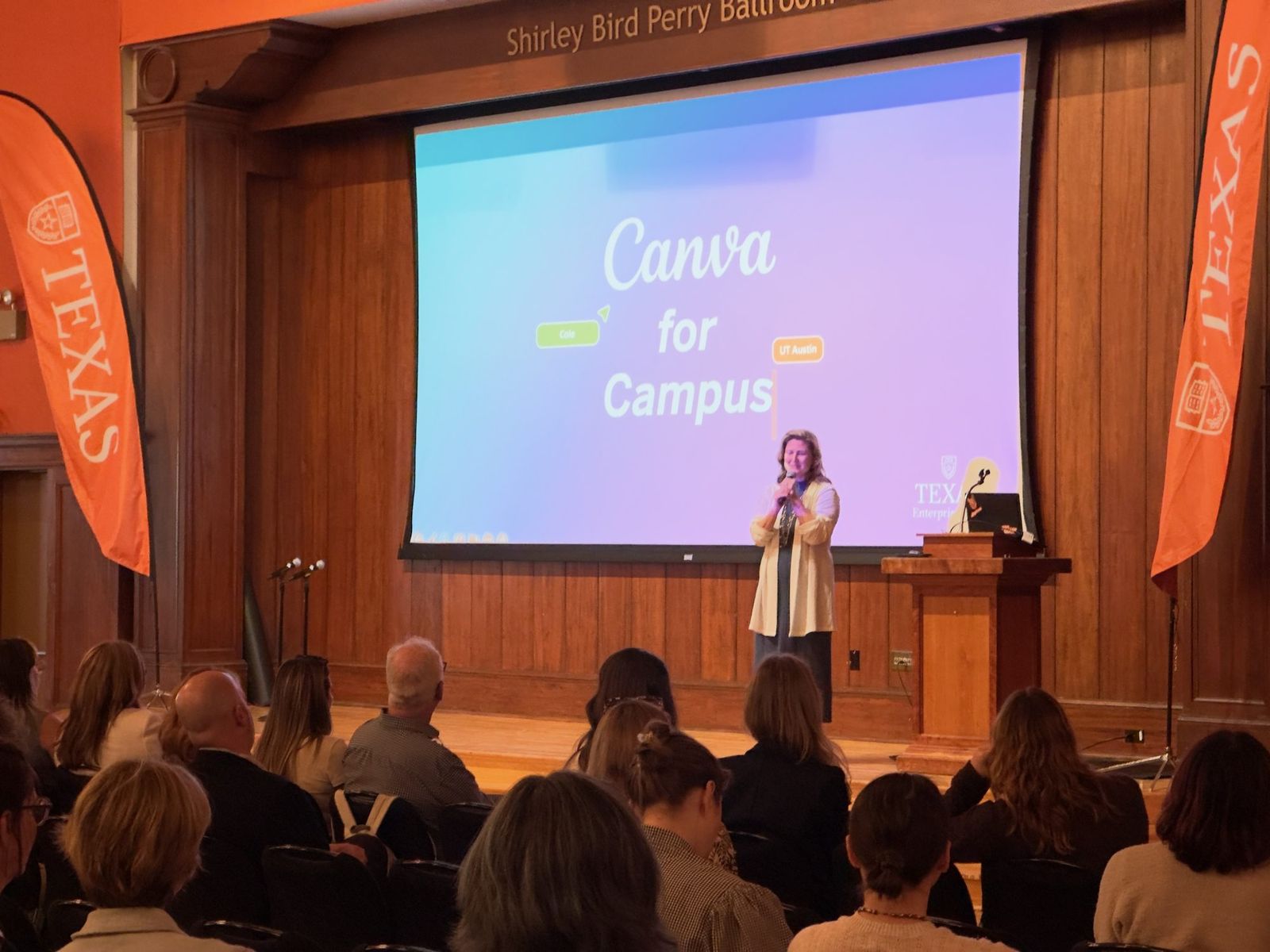
Canva for Campus is now expanding to faculty and staff at UT Austin. After the initial student rollout in October 2025, this second phase gives a broader part of the University community access to a shared creative environment designed for higher education and large organizations.
The shift matters because it moves Canva from a student-focused offering to a campus-wide collaboration tool. Enterprise Technology is positioning it as a way to streamline content creation, support more consistent branding, and help University teams produce professional, accessible materials more efficiently.
What expands for faculty and staff
For eligible faculty and staff, Canva for Campus offers premium Canva access within a University-managed environment. That makes it more than a collection of individual design accounts. It creates a shared system for content creation that supports institutional use, collaboration, and governance.
Tool in this story
Canva Campus
Presentations, posters, social graphics, and reports with the UT Brand Kit built in.
Free for students
Faculty and staff: department license
- Create professional digital and print materials such as course handouts, presentations, flyers, social graphics, and reports.
- Use University-approved brand kits, templates, and shared assets to stay on brand more easily.
- Collaborate in real time with colleagues through shared folders, comments, and version history.
- Sign in securely using Single Sign-On with University credentials.
- Use LMS integrations, including Canvas, Blackboard, and related teaching workflows.
The bigger move here is not just access. It is giving campus teams a shared creative system they can actually use together.
Why this matters for campus teams
The expansion gives colleges, schools, and units a more consistent design environment for communication and instructional work while reducing the friction of scattered templates, brand assets, and one-off creative workflows.
It is also shared infrastructure rather than isolated subscriptions. Teams work inside a common environment with managed assets, approved templates, and collaborative features, which helps communications, instruction, and administrative groups balance speed, accessibility, and brand consistency.