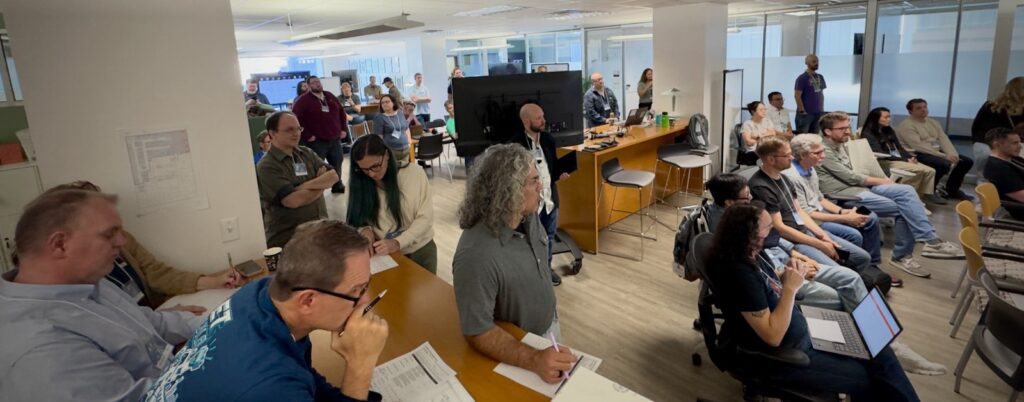
Who
Campus staff and units
Colleges, schools, and units that work with institutional data.
Tools
Insights, Tableau, Alation
Reporting, visualization, and data cataloging.
Direction
Campus self-service
The Data Hub is moving to a self-service model.
Request
Through ServiceNow
Submit data and analytics requests to D2I.
Campus support
D2I-managed tools
D2I manages three enterprise platforms that give the UT community access to reporting, visualization, and data cataloging at scale.
D2I managed
Insights Service
Find existing and new reports, visualizations, and dashboards in one trusted place.
- Centralized catalog of campus reports and dashboards.
- Searchable by topic, data domain, or CSU.
- Single source of truth for institutional reporting.
- Accessible to all faculty and staff.
D2I managed
Tableau
D2I manages the campus Tableau Enterprise account: servers, licenses, and governance.
- Enterprise server hosting and administration.
- Desktop licenses for data producers.
- Publish and share dashboards campus-wide.
- Integrates with the UT Data Hub and local CSU data.
D2I managed
Alation
UT’s campus metadata management tool: a catalog of data sources and documentation.
- Glossaries, articles, and data governance policies.
- Cross-reference definitions across data sources.
- Flag data quality issues and share knowledge.
- Discover and document campus data assets.
The UT Data Hub
UT’s next-generation data ecosystem
The Data Hub is UT Austin’s foundation for data integration and management: a cloud architecture built to meet the growing need for data and analytics across the institution.
D2I is moving the Data Hub to a campus self-service model. Each college, school, and unit gets a spoke environment where it can use campus-wide data alongside its own, building reports, pipelines, and analytics without D2I handling every request.
Cloud-native architecture
Built on Snowflake and AWS.
Self-service spokes
Colleges, schools, and units work with their own data independently.
Campus data integration
Colleges, research, student data, finance, operations, and HR and workforce data.
Legacy migration path
Legacy data services move to the Data Hub over multiple years.
Campus engagement levels
Find your data role
The D2I Engagement Levels Matrix helps UT staff understand how their unit can engage with data, identify the skills and technology they need, and find recommended training.
Level 1
Information consumer
Locate, access, and use local CSU and campus reports, visualizations, and dashboards.
Level 2
Analyst
Use packaged campus and CSU data to build visualizations and dashboards that drive decisions.
Level 3
BI development
Build reports, visualizations, and dashboards from local CSU data and published campus data sources in the Data Hub.
Level 4
Data development
Combine local CSU data with campus data and build data structures in the spoke environments.
Level 5
Data integrations development
Build the pipelines that move local CSU data into, or connect it to, the Data Hub.
Get help
Training and getting help
Staff at every engagement level are encouraged to use on-demand training for their role.
UTLearn
UT’s central learning platform, with LinkedIn Learning data and analytics courses.
EEV: Center for Professional Education
UT’s professional and continuing education programs.
Platform roadmap
Services in transition and development
D2I is migrating legacy systems to the Data Hub while building reusable campus services with institutional partners.
Active: UT Data Hub
The integration layer that will power campus self-service analytics, reporting, and data pipelines.
Migrating: legacy data services
D2I keeps essential legacy services running while coordinating migration and retirement with business process owners.
In development: Organizational Hierarchy Service
Crosswalks multiple types of UT data across sources to enable integrated analytics.
Early planning: Role-Based Access service
A planned campus service to simplify role-based access, in planning with UT partners.