

Who
People at UT Austin, by invitation
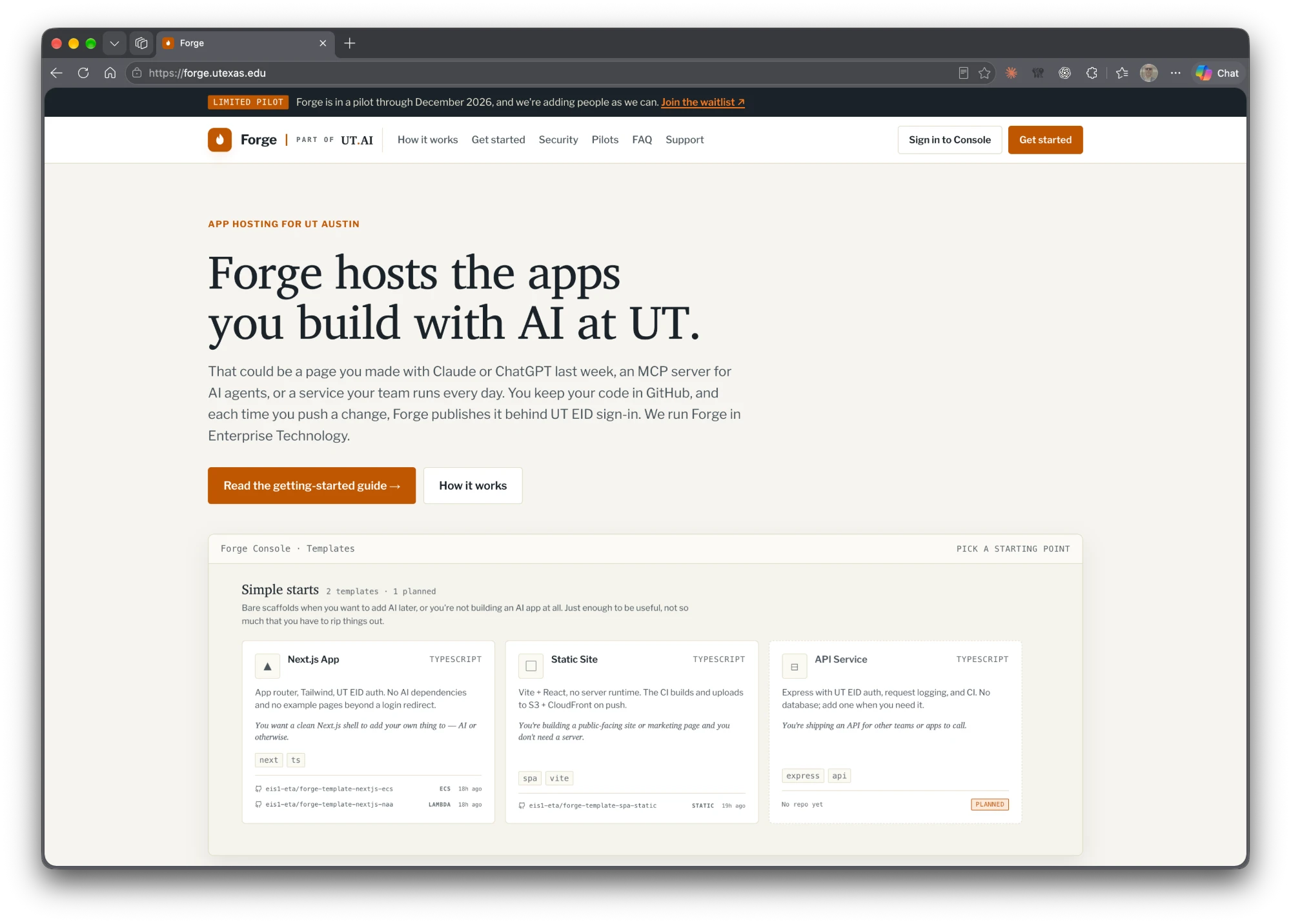
Forge is in a limited pilot through December 2026. Join the waitlist and the team will be in touch when there is room.
What
Hosting for the apps you build
A page you made with Claude or ChatGPT, an MCP server for AI agents, or a service your team runs every day.
How
Push to GitHub, Forge publishes
Your code lives in a UT GitHub organization. Every push builds and replaces the running version automatically.
Cost
Not yet set
Enterprise Technology is still working out how Forge costs will be shared, and will explain it before it applies to anyone.
Why Forge
The thing you built in a chat window, with a real UT address
A chat link shows your work inside Claude or ChatGPT, and only for as long as the chat lasts. Forge gives it an address of its own: the people you list sign in with their UT EID and see just your app. They do not need an account with an AI company, and the link keeps working after the chat is gone.
The protections that used to take weeks of setup and review for each app are built into the platform, so your app has them from its first deploy. Forge runs on UT’s AWS accounts and is operated by Enterprise Technology.
From prototype to service
The same path carries a weekend experiment and an application your team depends on.
No infrastructure to stand up
Servers, networks, certificates and the deploy pipeline are handled for you.
You do not have to be a developer
If you can make a page with an AI assistant and follow the guide, you can put it on Forge.
Part of UT.AI
The hosting layer under the AI tools and the work campus is building with them.
Getting started
From a page you made to an app people can sign in to
The getting-started guide walks through the Static Site template end to end. It takes about twenty minutes.
1
Sign in to the Console
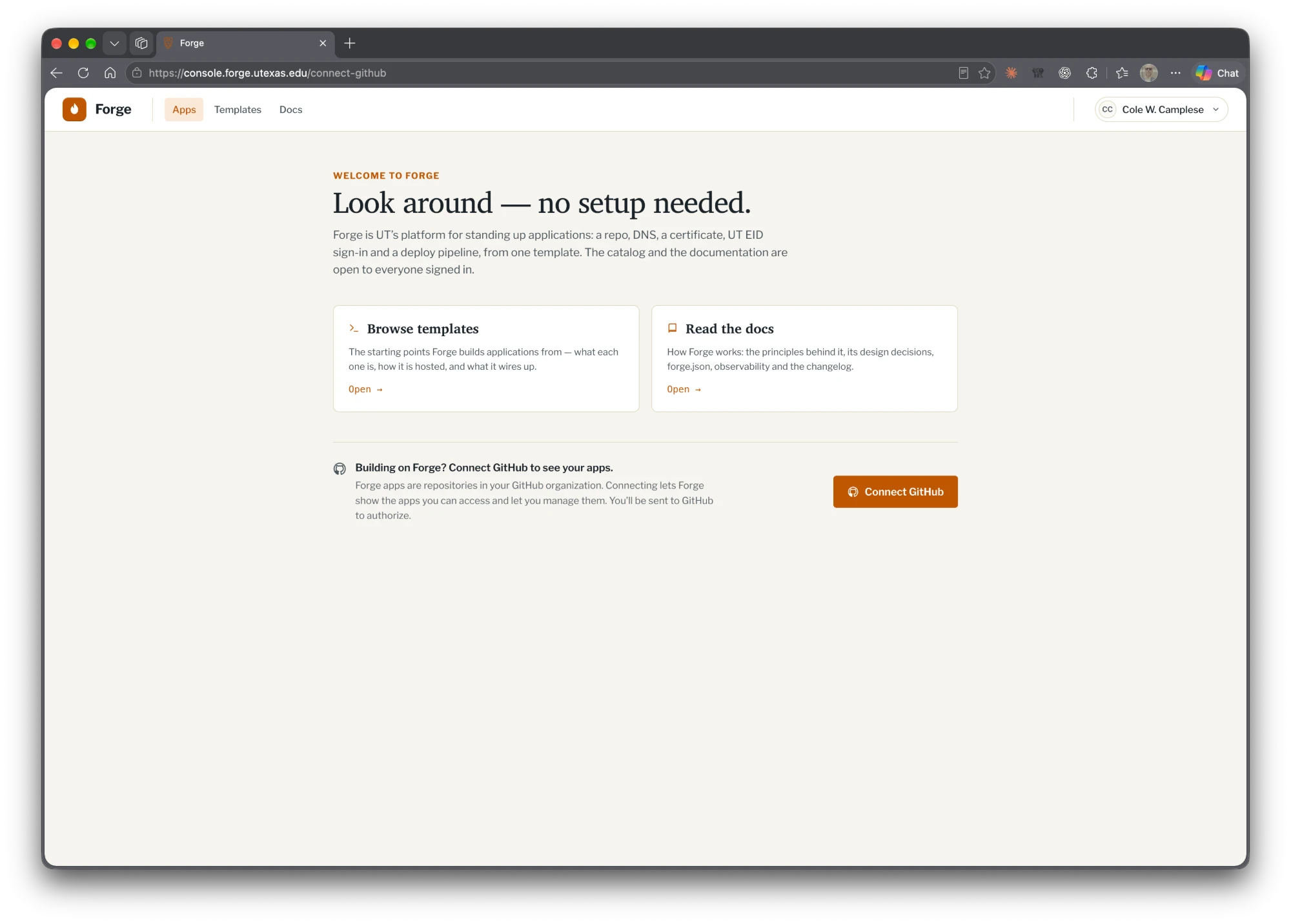
Use your UT EID. The first time, the Console asks you to connect your GitHub account.
2
Create an app from a template
Choose a template and a short name. Forge creates the repository and runs the first deploy while you watch.
3
Move your work in
Clone the new repository, open it with an AI coding tool, and ask it to replace the starter page with yours.
4
Push your change
Every push to GitHub publishes a new version. A push that changes only documentation skips the build.
5
Open your link and invite people
The Console shows your app’s address. Add the UT EIDs of the people who should be able to get in.
Starting points
You start from a template, not an empty folder
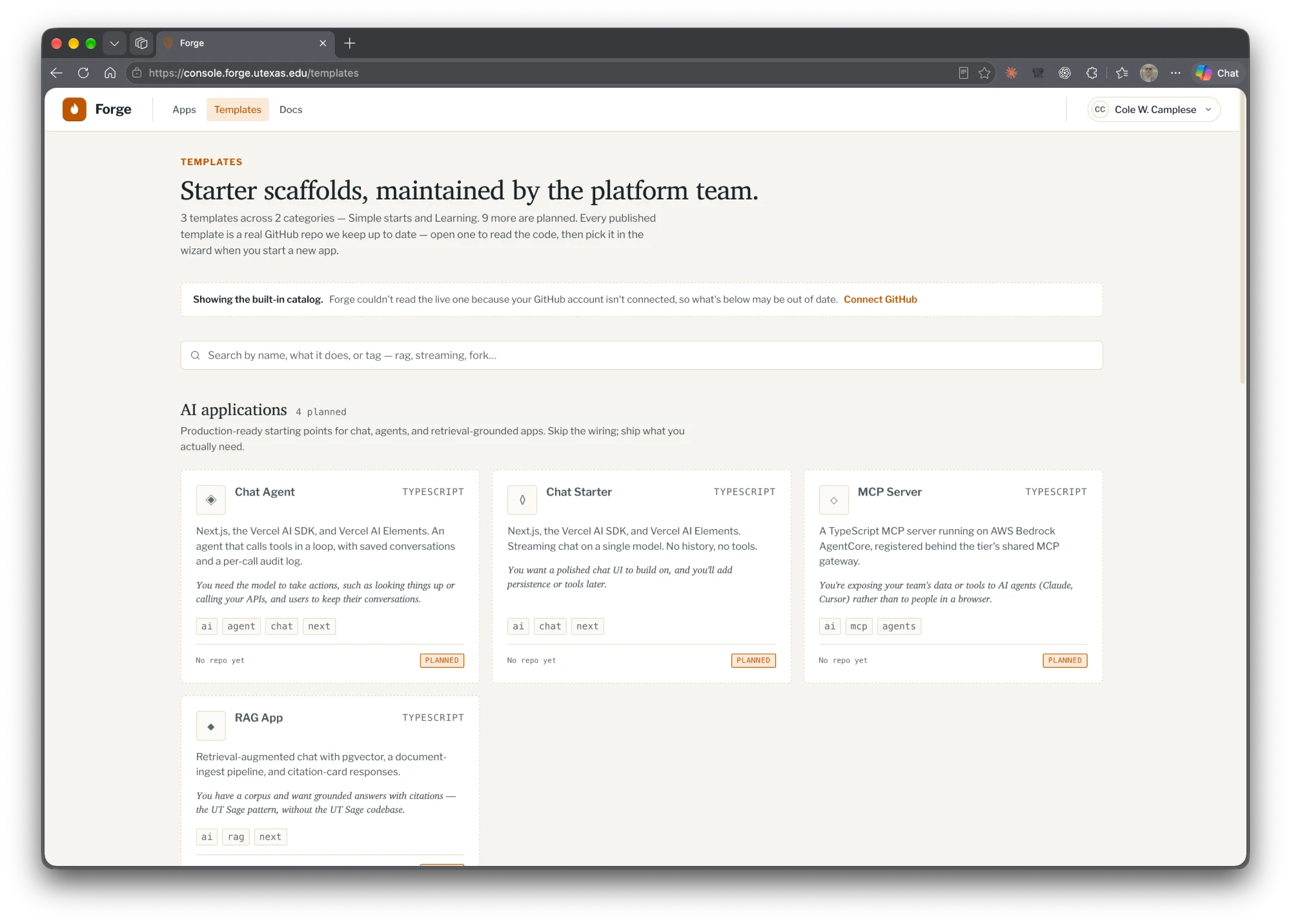
A template is a ready-made project the platform team keeps up to date. Static Site covers pages and small tools with no server. Next.js App is a full application with UT EID sign-in, running either on an always-on container or a serverless function. MCP Server exposes your team’s tools and data to AI agents such as Claude. Templates for chat, agents and retrieval-grounded apps are planned.
A file called forge.json in your repository says what else the app needs. The smallest version is one line. Add a database, file storage or access to AI models on Amazon Bedrock by adding a line, and the next push sets it up.
Two ways in
Create an app in the Console, or ask Claude to do it
Both paths end in the same place: a repository in a UT GitHub organization, a deploy pipeline and a link of your own.
In your browser
The Forge Console wizard
Sign in with your UT EID, choose a template and give the app a name. The Console shows each step while Forge sets it up, then hands you the link. Use this if you want to watch it happen.
In Claude Code
The Forge plugin
Install the Forge plugin once, then ask Claude to create the app: “Create a new Forge app called my-site from the Static Site template.” Claude picks the template, creates the repository and tells you the link. A plugin for ChatGPT is planned.
Included with every app
The security work is done once, for everyone
Setting these up for a single application used to take weeks of work and review. Forge sets them up once, so every app it hosts has them from its first deploy.
Who gets in
UT EID sign-in with an allowlist
- People sign in through UT’s identity system.
- Each app keeps its own list of who may enter.
- Nobody else gets past the sign-in page.
What reaches the app
A web application firewall
- Traffic passes a firewall before it reaches your app.
- Common attacks are blocked in front of it.
- Pilot and production apps run on separate infrastructure.
What is running
Scanning, logs and an audit trail
- Your repository is scanned for known vulnerabilities, and findings arrive as work items.
- Forge records what your app does and raises an alarm if it stops working.
- Each deploy is tied to a commit and to the person who pushed it.
Security is shared: Forge secures the place your app runs, and you are responsible for what your app does, the data it handles and who you add to its sign-in list. Check UT’s data classification standard before your app collects anything, and ask the Forge team when you are not sure.
Access & tiers
Every app starts as a pilot
Pilot
Sixty days to find out if it works
New apps start here. One running copy on lower-cost servers that can be interrupted, with sign-in and scanning included. Before the sixty days are up, request promotion or remove the app.
GA
For apps people rely on
Promotion moves the app to always-available servers and up to three running copies, for the long term. It runs through readiness checks, a security review, migration, and then GA.
Review
A security review stands in the way
Two rules are checked automatically before promotion: a critical or high vulnerability finding blocks it, and so does a repository that has not been scanned yet. The decision is recorded and stays with the app.
How it fits
When to use Forge, and when to use something else
Choose Forge when
- You built something with an AI assistant and want it online at UT.
- Only people at UT should be able to see it.
- You want sign-in, scanning and a deploy pipeline without assembling them.
- You are publishing an MCP server for AI agents.
Choose Cloud Hosting when
- You need the full run of AWS, Google Cloud or Azure.
- Your workload does not fit a template.
- You have a team ready to run and secure the infrastructure.
Choose a web publishing service when
- You are publishing a website rather than running an application.
- You want a content management system and a public address.
- Nothing about the site needs to sit behind UT EID sign-in.
Common questions
Frequently asked questions
Can I use Forge now?
Forge is in a pilot through December 2026, and the team is adding people as it can. Join the waitlist at waitlist.forge.utexas.edu and they will be in touch when there is room.
Do I need to be a developer?
No. If you can make a page with an AI assistant and follow the getting-started guide, you can put it on Forge. An AI coding tool can handle the git steps for you.
What do I need before I start?
A place in the pilot, a UT EID, a GitHub account in a participating UT organization, and your project files. If you do not have the GitHub account, the Forge team sorts that out with you when you are admitted from the waitlist.
Who can see my app?
Only the people on your app’s sign-in list, signing in with their UT EID. If someone cannot get in, ask whoever sent the link to add their EID to the list.
What does it cost?
Cost details are not published yet. Enterprise Technology is working out how Forge costs will be shared and will explain what you pay for, and when, before it applies to anyone.
What happens after the sixty days?
Pilot apps are meant to last sixty days, and the Console shows your app’s date. Before then, request promotion to GA or remove the app.
Can my app store data or use AI models?
On the Next.js App template, yes: add a table through forge.json, and on its always-on container option, file storage or a Postgres database as well. That option can also be given access to models on Amazon Bedrock. A static site cannot store data on Forge yet.
Can I use my own domain?
Not yet. You can add an alias in forge.json for a friendlier subdomain inside the Forge address space, but a domain of your own is not supported.
I already have a GitHub repository. Can I bring it?
Not on your own yet. For now, create a new app from a template and move your code into it. If that will not work for your project, ask the Forge team.
Get help
Getting help with Forge
The platform team reads every post and answers questions about anything, from your first push to how the platform is built.
Ask the Forge team
Questions go to the Forge channel in Microsoft Teams, with a Slack channel planned for teams that work there instead. Both are being set up; the support page has the current state.
What to include
Your app’s name or its repository link, what you expected to happen and what happened instead, and a screenshot of the Console or the error if there is one.
Report a security problem
Found a security problem in Forge, or in an app it hosts? Report it to the Information Security Office.
Ready to put something on Forge?
Forge is in a limited pilot through December 2026. Join the waitlist to be added as room opens, and read the getting-started guide in the meantime so you are ready when it does.